Last updated October 30, 2026
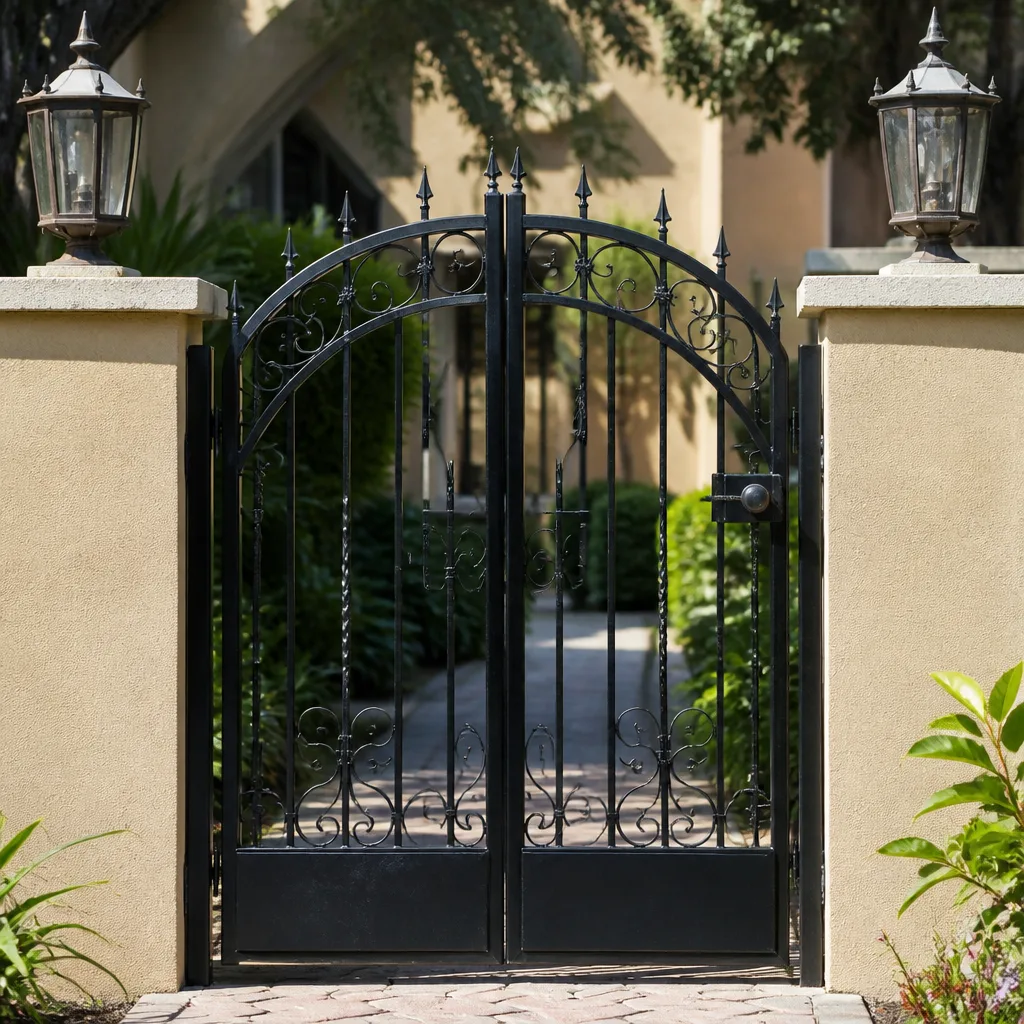 Wrought iron
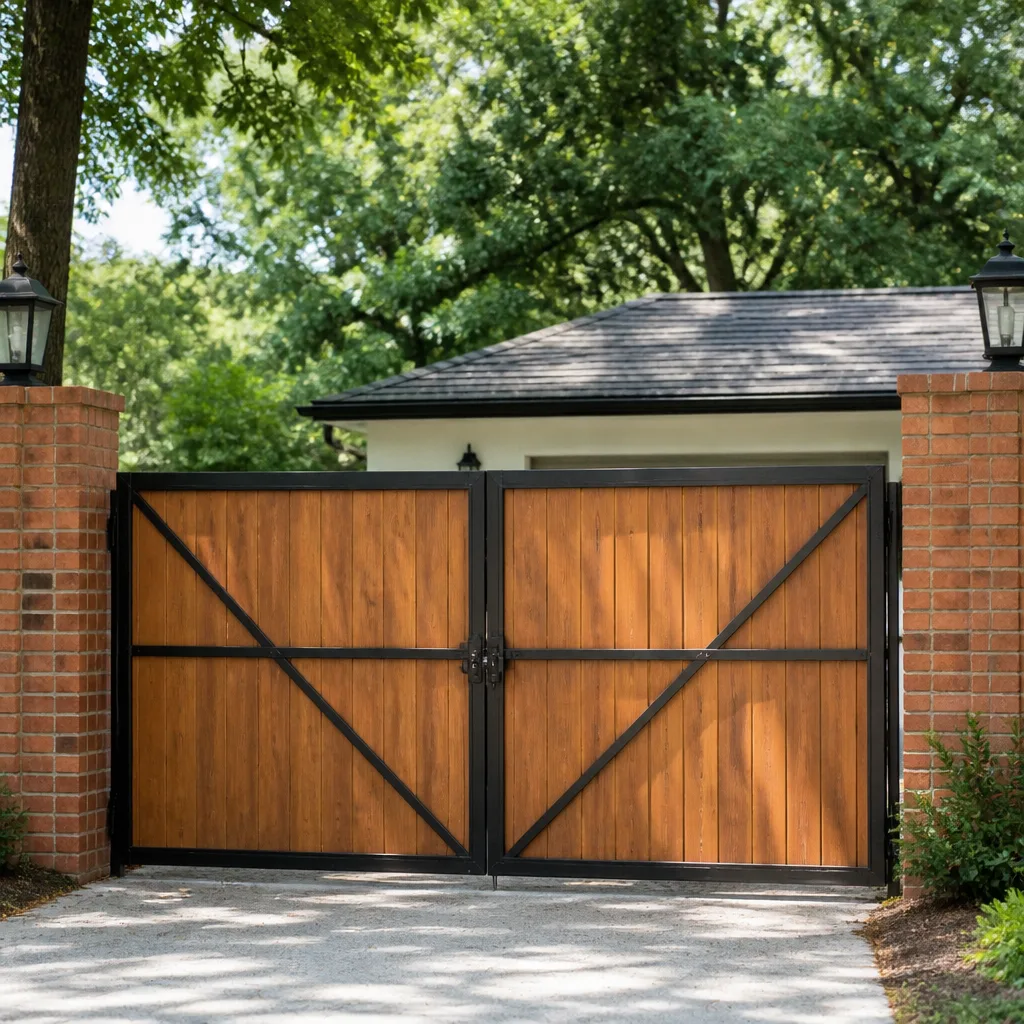 Wood & steel frame
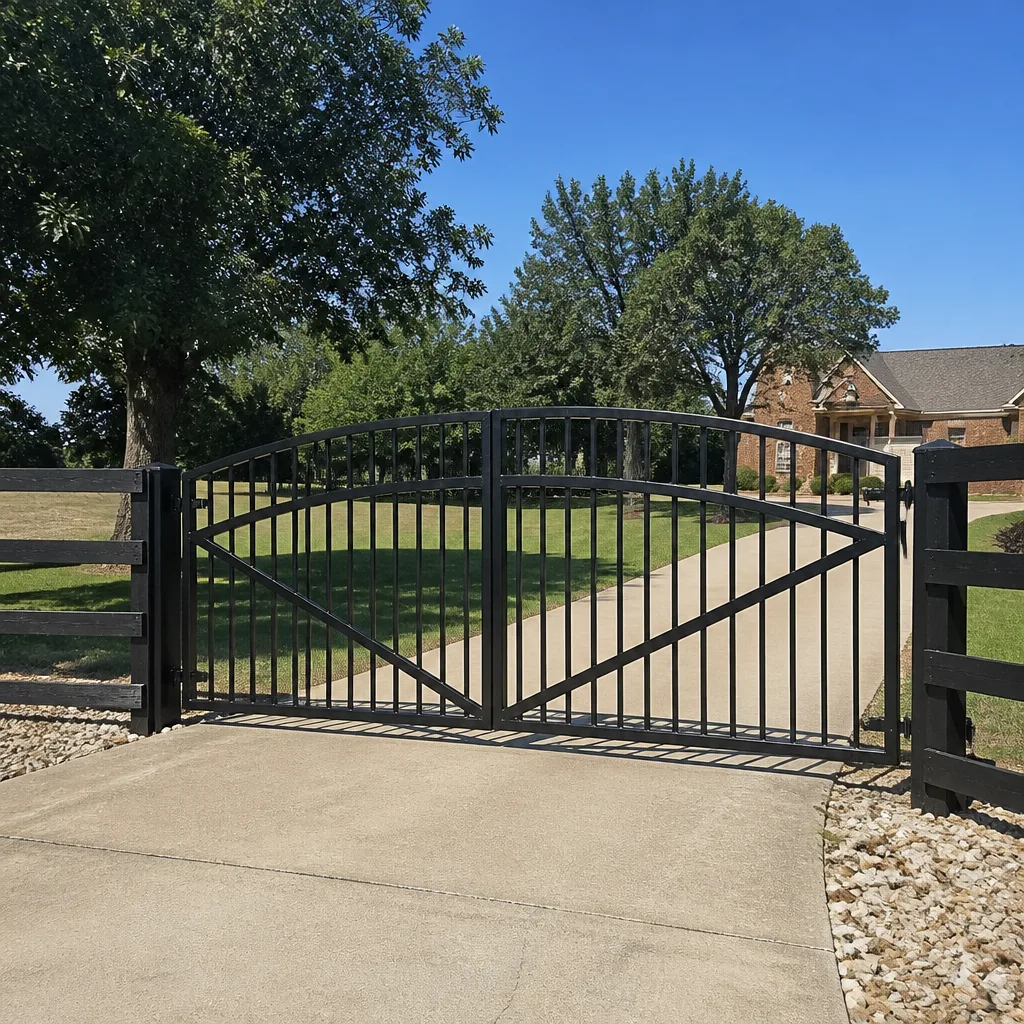 Farm & ranch
 Sliding driveway gates
 LiftMaster operators
Free on-site gate assessment - hinges, posts, and your LiftMaster or Nice gate operator checked before anything is quoted
The assessment is free and the quote is the invoice.
Get your free estimateGate Repair Troubleshooting: Common Problems and How to Fix Them
Before you call anyone, press and hold your gate operator’s reset button for 10 seconds and watch what the status LED does. That single blink pattern tells you whether the problem is the sensor, the board, the battery, or the motor, and most owners never check it. In Hollywood, where salt air accelerates corrosion on gate electronics and rainy season humidity tests every connection, reading those signals can mean the difference between a five-minute fix and a full operator replacement. For more detail, see our Gate Repair Warning Signs: A Hollywood Homeowner’s Reference Guide; this article teaches you to interpret LED fault codes, listen to motor behavior, and trace the failure chain from symptom back to root cause, so you know exactly what you’re dealing with before anyone picks up a tool.
Quick Answer
Our Gate Repair services in Hollywood, FL most often address four root causes: dead or failing backup batteries, misaligned safety sensors, corroded wiring connections, and worn limit switches. Start by reading the blinking light pattern on your operator’s control board, since that diagnostic signal identifies which subsystem failed before you touch anything else. If the gate reverses mid-cycle, makes grinding or humming sounds without moving, or cycles on its own, you can isolate the fault with the steps below, and you’ll know within about fifteen minutes whether it’s a fix you can handle or a call to a technician.
Styles & brands we work with
Table of Contents
- How to Read LED Fault Codes on Your Gate Operator
- The Three Most Misdiagnosed Gate Problems
- Why Your Gate Reverses Mid-Cycle (And What It Actually Means)
- What Clicking, Grinding, and Humming Sounds Tell You
- Safe Troubleshooting vs. When to Stop and Call
- Step-by-Step: Diagnosing a Dead Gate in Hollywood’s Climate
- Sensor Alignment and Force Settings: The Two Adjustments That Fix Most Problems
- Troubleshooting by Operator Type: Linear, Viking, Ghost Controls, and DoorKing
How to Read LED Fault Codes on Your Gate Operator
The diagnostic LED on your operator’s control board is not a decoration. It’s an onboard computer telling you exactly which input or safety device caused the shutdown, and interpreting it correctly saves hours of guesswork. Most residential operators made in the last fifteen years follow a simple language: a solid LED means the board has power and is waiting for a command, a slow blink usually signals a safety input that’s open or blocked, and a fast blink pattern typically indicates a fault the board has logged and locked onto until you clear it.
Here’s what we’ve seen on the four brands we service most often in Hollywood:
- Linear operators: The MPST and LRA control boards have a diagnostic LED that blinks in sequences. Two blinks then a pause means a photo-eye obstruction or misalignment. Three blinks signals a force or sensitivity fault, which means the operator detected too much resistance when moving the gate. Four blinks points to a stuck or dead limit switch.
- Viking operators: Viking boards use numbered fault codes shown through LED sequences. A “Fault 2” here almost always traces to an accessory overload, which in Hollywood we often see after a lightning event near the power line or when a gate lock solenoid shorts internally. A “Fault 5” is the one you never want to ignore: motor overcurrent protection tripped, which means either a mechanical bind or a motor that’s pulling too many amps and about to fail.
- Ghost Controls: Their residential swing-arm systems are popular because they use a straightforward three-LED array on the controller box. Two red LEDs in an alternating pattern always mean a battery charge fault. A constant single red without green is a safety-input alarm, usually from an obstructed photo-eye or a beam not properly wired to the board.
- DoorKing: The 9150 and 9050 series boards have a built-in trouble-shooting mode you can trigger from the keypad by pressing and holding the “Help” button. The alphanumeric display will cycle through the actual voltage readings at each terminal block. If the loop detector is reading above 500 millivolts with no vehicle present, that’s a ground loop wire in the driveway that’s waterlogged, something we regularly see in Hollywood after a heavy storm season.
The general method if you don’t have the manual in front of you: open the control box, find the LED or display, and press the reset or “learn” button once. Count the blink pattern before it repeats, then match that number to the fault table printed on the inside of the control box lid. Most manufacturers print that table right there on the chassis. If the board is flashing a code you can’t identify, take a ten-second video of the LED and a photo of the board’s model label before calling for help. That information tells a technician exactly where to start before they even arrive.
The Three Most Misdiagnosed Gate Problems
In our experience, three issues are responsible for a huge percentage of unnecessary part replacements around Hollywood, largely because online forums and generic guides point owners toward the most expensive component instead of the actual fault. Here are the three we see misread most often, and what to check before buying new hardware.
A dead backup battery that gets mistaken for a bad motor. Every automated gate that plugs into AC power also has a backup battery, and in Hollywood’s heat that battery cooks quickly. When the battery dies, the operator often fails to move the gate while still audibly clicking, which sounds like a dead motor. The giveaway: the gate runs fine on AC power when you manually open and close it, but fails after a power blink or when you unplug it. Test this before replacing the motor: disconnect the operator’s AC power and try to run it on battery. If it’s dead, a replacement battery costs a fraction of a motor and fixes the symptom immediately.
A wiring fault that gets mistaken for a receiver failure. The remote control is a very common blamed component, but an electric gate situation in Hollywood where a remote stops working is often corrosion on the antenna wire or a broken splice at the control board. Salt air and humidity from the Intracoastal and Atlantic breezes settle into terminal connections. Before you buy a new remote or receiver, open the control box and look for green or white corrosion on any wire terminal. Clean the connection with a wire brush, retighten, and test. If the remote works intermittently, that intermittent quality itself points to a connection problem, not a radio problem.
An obstruction-sensitivity issue that gets mistaken for a sensor failure. If the gate starts to close and then reverses, many owners immediately point to the photo-eyes. But in a system where the gate reverses every single time it closes, moving smoothly and never hesitating, the much more likely cause is an obstruction sensitivity setting that’s been set too high or a mechanical resistance issue like a stiff hinge. This is true for every brand we service, including DoorKing and Ghost Controls systems. We cover this deeply in the next section, but understand up front: a sensor fault usually stops the cycle immediately, while a sensitivity fault lets the gate travel before it reverses.
These three misreads share a common thread: the owner replaced the most visible component without reading the diagnostic signal first. The control board tells you the difference between a dead battery, a broken wire, and a mechanical bind, and that’s the order of evidence a Hollywood gate repair technician follows too.
Why Your Gate Reverses Mid-Cycle (And What It Actually Means)
A power gate that starts closing and then reverses direction in the middle of the travel is a safety-protection behavior, and reading the timing of that reversal tells you which safety system triggered it. In Hollywood’s windy, salt-laden conditions, three distinct causes hide behind this single symptom, and each requires a different fix.
If the gate reverses immediately after starting to close: this is a photo-eye or edge-sensor obstruction. The eye is not seeing its beam partner, either because something physically blocks it, or because one of the two lenses has drifted out of alignment, or because a spider web or salt film has accumulated across the lens. Clean both lenses with a dry cloth first, then check that the receiver’s red LED is lit steady when the beam is unbroken. If it’s not lit, walk the transmitter’s angle left-right and up-down until the LED lights, then tighten the mount. A misaligned sensor is the single most common gate fault in Hollywood’s coastal neighborhoods, where wind-blown debris and foliage constantly knock sensors out of position.
If the gate travels most of the way and reverses at the same physical point every time: this is a force or obstruction-sensitivity setting issue. The operator has been calibrated to reverse if it feels resistance above a set threshold, and at that exact point in the travel, something is creating friction. Common mechanical causes: a rusted or dry swing hinge, a slide-gate roller that’s worn and cracked, a bend in the track, or a wheel bearing that’s seized. Before touching the sensitivity dial, inspect the gate’s physical movement: disconnect the operator from the gate using the manual release and push the gate by hand through its entire travel. If it’s stiff or binding anywhere, fix that mechanical issue first. If it moves freely, then the sensitivity setting needs adjustment, which is a five-minute job for a technician who works on these boards daily.
If the gate reverses after a delay, often while holding or at random points: start suspecting the motor itself. A motor with worn brushes or failing windings will pull excessive current at inconsistent points during travel, which the board reads as an obstruction and responds to by reversing. This is the scenario where the problem is genuinely motor failure, not a simple adjustment. In our experience, this exact pattern is common on older residential operators, especially Linear systems that have been in service for eight or more years in Hollywood’s heat. The motor isn’t necessarily dead, but it’s telling you it’s on the way. Continuing to run a gate with a failing motor can burn the control board, which turns a $400 repair into a $1,200 replacement.
What Clicking, Grinding, and Humming Sounds Tell You
The sounds your gate operator makes are diagnostic data. Each distinct noise maps to a different root cause, and some of them mean stop running the gate immediately. Here’s what we listen for when a Hollywood homeowner describes their gate problem over the phone.
A fast clicking or rapid chatter from the control box: this is almost always the power transfer relay or the battery-charging relay. The board is trying to energize a motor or solenoid, but insufficient voltage is reaching it, so the relay clicks instead of locking. On a Ghost Controls system, a rapid click is the dead-battery signature: the board has enough power to click the relay but nowhere near enough to spin the motor. The fix is usually a replacement backup battery or an AC power issue at the outlet. Check that the outlet’s breaker and GFI haven’t tripped, especially in Hollywood after a storm, where an external outlet’s ground-fault interrupt often pops.
A single click then nothing: one loud click at the command and then silence tells you the board received the signal but the operator’s motor didn’t respond. On Linear units, this points to a failed motor-run capacitor, a tired motor that won’t start under load, or a stripped gear inside the operator’s reduction drive. The board is fine and the battery is fine; the power is not reaching rotating metal. Stop trying to run the gate after two or three attempts and get a diagnosis before the motor overheats.
A grinding or metallic scraping during travel: this sound is always mechanical and never electronic. A grinding noise means metal is touching metal where it shouldn’t, usually a gear inside the operator that has lost its grease, a swing-arm linkage that’s worn at its pivot pin, or a slide-gate roller that’s been run so long the bearing is gone and the wheel is grinding on the axle. This is a stop-and-call situation. Continuing to run a gate that grinds will score the internal gears, warp the shaft, and double the repair bill. Turn the operator off at its dedicated breaker, and call for repair.
A sustained hum with no movement: the motor is energized and trying to turn, but the gate is not moving. On a Viking or DoorKing unit, this is either the motor-run capacitor failing (the motor can’t develop enough starting torque), or a mechanical lock: the manual release is partially engaged, a hinge has frozen with corrosion, or the gate is physically jammed against something. Humming is the motor asking for help. Turn the power off at the breaker within about ten seconds of hearing it, because a stalled motor quickly overheats and damages its windings.
Safe Troubleshooting vs. When to Stop and Call
There’s a line between what a capable homeowner can safely fix on a gate system and what should be handed to a licensed technician; see our How to Hire a Gate Repair Contractor in Hollywood: A Step-by-Step Guide for help choosing the right professional. The line is not about intelligence; it’s about the amount of stored energy and irreversible damage in play. We draw it this way.
What you can safely do yourself:
- Clean photo-eye lenses and realign the sensor.
- Inspect the control box for visible corrosion on terminals.
- Check the outlet, breaker, and ground-fault interrupter feeding the operator.
- Use the manual release to free the gate and push it by hand to evaluate mechanical binding.
- Read the LED fault code and photograph the board label.
- Test the operator on AC power versus battery power.
Where to stop and hand off:
- Any electrical work inside the control box that involves a multimeter on live terminals or jumper wires.
- Any adjustment of the gate’s swing speed, force, or limit settings through the operator’s programming instead of the mechanical stops.
- Any repair that requires sourcing a part from a distributor’s catalog, not a common hardware store.
- Any diagnosis point where the LED code is inconsistent with what you’re observing, meaning cross-wiring between sensors or a bad board.
- Any time the gate’s weight exceeds what you can comfortably hold if the manual release is opened.
This framework matches what we tell Hollywood customers: your job is to read the operator’s signals and give the technician real data. That data gets you to the correct repair faster, and it prevents you from hurting yourself with a gate that can weigh several hundred pounds and is under motorized force.
Step-by-Step: Diagnosing a Dead Gate in Hollywood’s Climate
When an electric gate in Hollywood goes completely dead, no movement, no noise, no response from the remote or the keypad, the climate and geography of our area point to a predictable set of causes. This sequence walks through them in order, fastest to slowest, and will identify the fault in most cases.
- Confirm power at the source. Check the dedicated breaker for the gate operator. In many Hollywood homes, the gate breaker is separate from the main house panel or in an external sub-panel near the driveway. Then check the external outlet’s weatherproof cover for sitting water. A tripped ground-fault interrupt is the single most common cause of a completely dead gate after South Florida rain.
- Test the battery. Many operators run off AC power with a battery backup. Disconnect by opening the control box and unplugging the AC power input, then try to run the gate from the keypad. If the gate moves on battery power, your problem is the AC feed or the charging circuit, not the operator’s motor. If it doesn’t move on battery either, replace or test the backup battery.
- Check the transformer output. If the control board has no lights at all, suspect the low-voltage transformer inside the control box. Salt air corrodes its spade terminals over time, especially in Hollywood’s ocean-proximate neighborhoods like Hollywood Lakes and Lakeshore, where we’ve seen connectors literally green with corrosion after only a few years. If the board has power but the display is dark, suspect the board itself.
- Test the safety input. If the board has power and the keypad is responsive but the gate won’t move, a photo-eye or safety-edge input may be permanently open, which tells the board a child or pet is in the way and it refuses to run. Bypass the safety input one at a time using the board’s test feature, then replace whichever component is failed.
- Manually release and test movement. Pull the manual release lever and push the gate through its arc. A gate that moves freely tells you the problem is the operator or the electronics. A gate that’s stiff or won’t move tells you the problem is mechanical: a seized hinge, a swollen gate post, or a wheel that’s locked up.
- Call for diagnosis. If everything above checks out and the gate still won’t move, you’ve eliminated the most common Hollywood-specific causes and the fault is likely something less typical: a failed control board, an intermittent wiring break, or a motor that’s failed internally. This is the point where a Hollywood electric gate repair technician takes over with a multimeter and brand-specific diagnostic experience.
This sequence assumes you have a basic toolkit and can safely open the control box. If at any step you’re unsure, stop and call. The goal is diagnosis, not guesswork, and there’s no shame in getting professional eyes on a system you don’t recognize.
Sensor Alignment and Force Settings: The Two Adjustments That Fix Most Problems
Two adjustments on the operator, sensor alignment and force sensitivity, resolve the majority of gate issues we see in Hollywood without replacing a single component. Understanding what each one does, and how they interact with our local environment, will save you a service call or make you a better-informed caller.
Sensor alignment. Photoelectric safety sensors, also called photo-eyes or beams, work as a pair: one lens transmits an invisible infrared beam and the other receives it. When the beam is broken, the operator refuses to close the gate. When the beam is misaligned, the receiver can’t see the transmitter even with no obstruction, and the gate will not close or will immediately reverse. In Hollywood, where loose sand, wind-blown palm fronds, and salt spray constantly shift and dirty these sensors, misalignment is an every-few-months event on many properties. The fix is to clean both lenses with a dry microfiber cloth, then adjust the transmitter until the receiver’s LED indicator is continuously lit. Do this on a clear day, since humidity and rain scatter the beam and can make alignment feel impossible.
Force or obstruction sensitivity. This is the operator’s resistance threshold: how much pushback the gate must feel before the board decides something is in the way and reverses direction. Set too sensitive, and the gate reverses at the slightest breeze or on every close cycle. Set too aggressive, and the gate will continue pushing after something, or someone, is obstructed. Most residential operators have a mechanical dial or a digital setting to adjust this. As a general rule, set it just high enough to move the gate through its full travel without reversing, and no higher. After making any sensitivity change, test the gate at multiple points along its travel, and block it with your hand moderately (never fully) to confirm it reverses properly.
These two adjustments are safe for a homeowner to make, and they’re the first things any technician checks on a gate that’s either oversensitive or won’t close. This is also where a Hollywood gate installation differs from a repair: a newly installed system has its sensors and force settings calibrated to the specific gate’s weight and travel, and if that initial calibration was done too loosely or too tight, the system will never operate correctly until someone re-does it.
Troubleshooting by Operator Type: Linear, Viking, Ghost Controls, and DoorKing
No two gate operator brands fail in the same way, and a Hollywood homeowner who knows their specific brand can eliminate hours of trial and error. Here’s what to look for on each of the major residential systems we service.
Linear
Linear makes residential slide and swing operators that are extremely common on Hollywood driveways, and their failure modes are well-documented. The most frequent: a failed motor-run capacitor, which presents as a click and no movement, and a worn gear in the reduction drive, which presents as a gate that moves in fits or makes a knocking sound. Linear control boards are also heat-sensitive in Florida, and after a decade in an enclosed sun-baked control box, capacitors on the board itself start to bulge and leak. If your Linear gate works in the morning and fails in the afternoon heat, that’s the board telling you its capacitors are on the way out.
Viking
Viking operators are built for light-commercial use, and in Hollywood they appear on many HOA and small commercial properties, though some heavier residential gates use them too. Viking boards are robust but the accessory outputs, especially any external keypad or intercom wiring, are a frequent fault point. When a Viking system has a problem, check any accessory connected to the board’s accessory terminal first: a shorted keypad wire will pull the entire system down. Viking also uses an AC-to-DC power supply board whose electrolytic capacitors degrade noticeably in the salt air, and a constant low-voltage error often points to that supply, not the motor.
Ghost Controls
Ghost Controls specializes in aftermarket swing-gate systems that retrofit to existing pedestrian gates, and they’re popular with DIY-installed gates around Hollywood. The good news is their electronics are simple and the failure modes are limited. The bad news is their battery is the weak point. In a hot climate, Ghost Controls batteries need replacement roughly every two to three years, and a dead battery is behind most Ghost Controls complaints. Their three-LED status indicator is one of the easiest diagnostics to read in the industry, and we walked through reading it earlier in this guide. If your Ghost Controls gate is slow to start or runs weakly, put a new battery in before you do anything else.
DoorKing
DoorKing builds longer-duty slide-gate operators commonly found at Hollywood condo complexes, gated communities, and business properties. Their 9150 and 9050 series are workhorses, but their weak point is the chain or belt drive: after years of use in sandy, humid air, the drive chain stretches, the sprockets wear, and the gate develops a lurch or a knock. DoorKing diagnostics through the keypad are genuinely useful, especially the voltage-display mode that lets you read input voltages without opening the box. If a DoorKing gate’s keypad is dead but the remote works, check the keypad’s wiring run: a nick in that cable where it passes through a fence post is a very common Hollywood fault.
The common thread across all four brands: the operator is a computer first and a motor second. Read its signals, understand what it’s reporting, and you’ll make a far better decision about what to fix than if you treat the gate as just a piece of metal that should move.
Common Mistakes to Avoid
- Replacing the remote before checking the receiver. The remote is the easy thing to blame, but a corroded antenna connection on the receiver inside the control box produces the same symptom at a fraction of the cost to fix. Test a second remote first if you have one.
- Replacing the motor when the battery is dead. In Hollywood’s heat, a dead backup battery can perfectly mimic a motor failure. Test on battery power before authoring a motor replacement.
- Ignoring a reversing gate and just re-sending the close command. A gate that reverses mid-cycle is trying to tell you something, and the longer you force it, the more likely you are to burn out the motor or the board.
- Lubricating the gate with WD-40. WD-40 is a solvent, not a lubricant, and in a sandy, humid climate like Hollywood’s it attracts grit and creates a grinding paste. Use a proper white lithium grease on hinges and chain drives.
- Skipping the LED diagnostic check because the gate “obviously” has a mechanical problem. The LED almost always tells you which subsystem failed, and bypassing that check means guessing with parts. Read the blink pattern first.
- Leaving an external outlet and control box unsealed after a storm. Water intrusion is the common final step before a board failure in Hollywood. Check the gasket on your control box lid and the weatherproof covers on all external outlets at least once a year.
- Running a gate that’s making a grinding or humming noise “just one more time” to get the car out. That one more time is frequently the difference between a repair and a replacement. Use the manual release to open the gate by hand instead.
See the difference
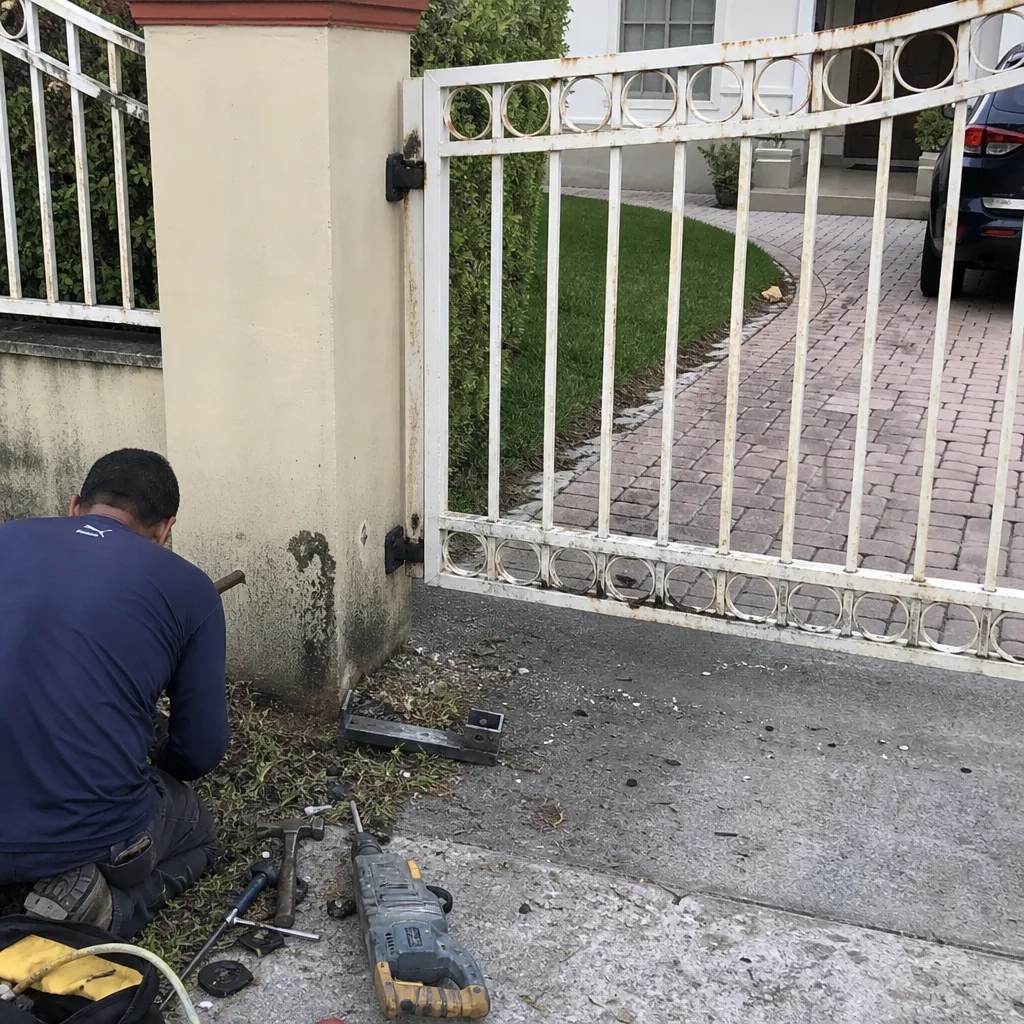 Before
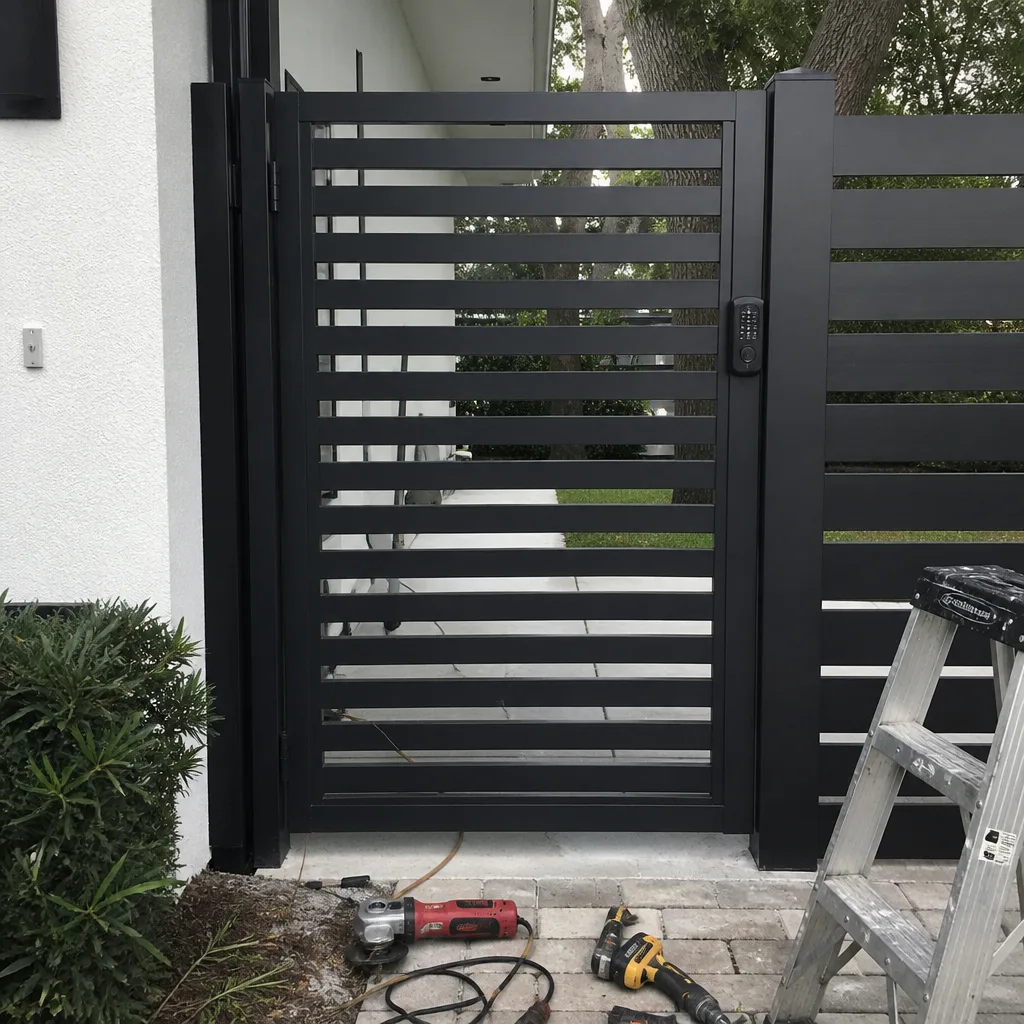 After
After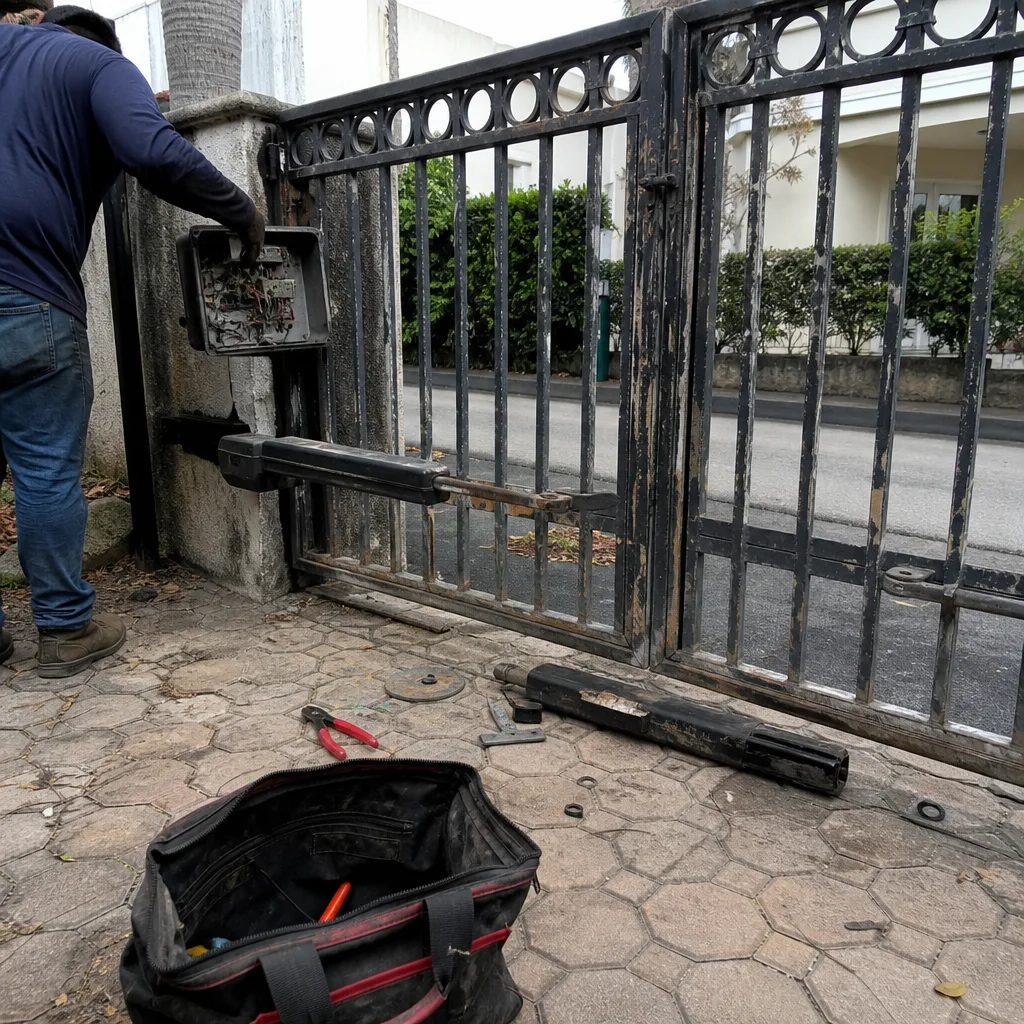 Before
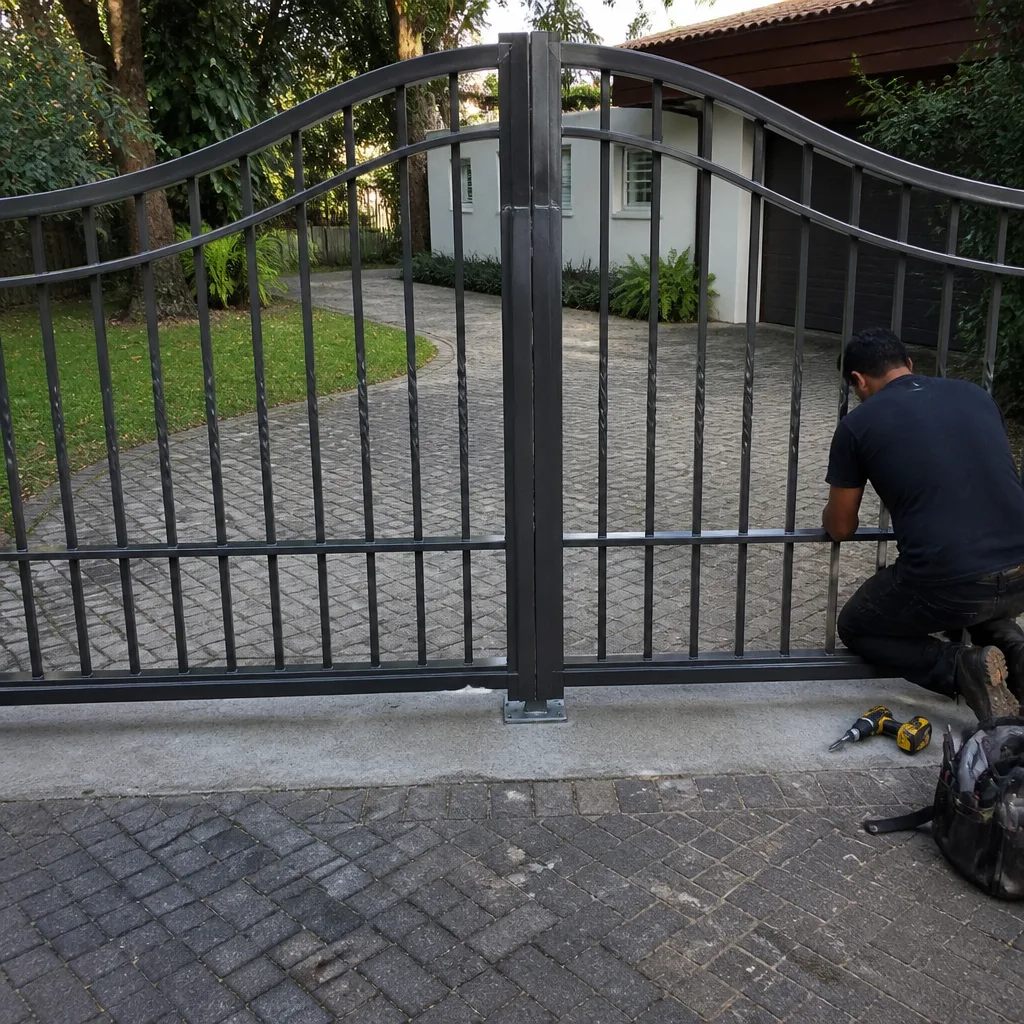 After
After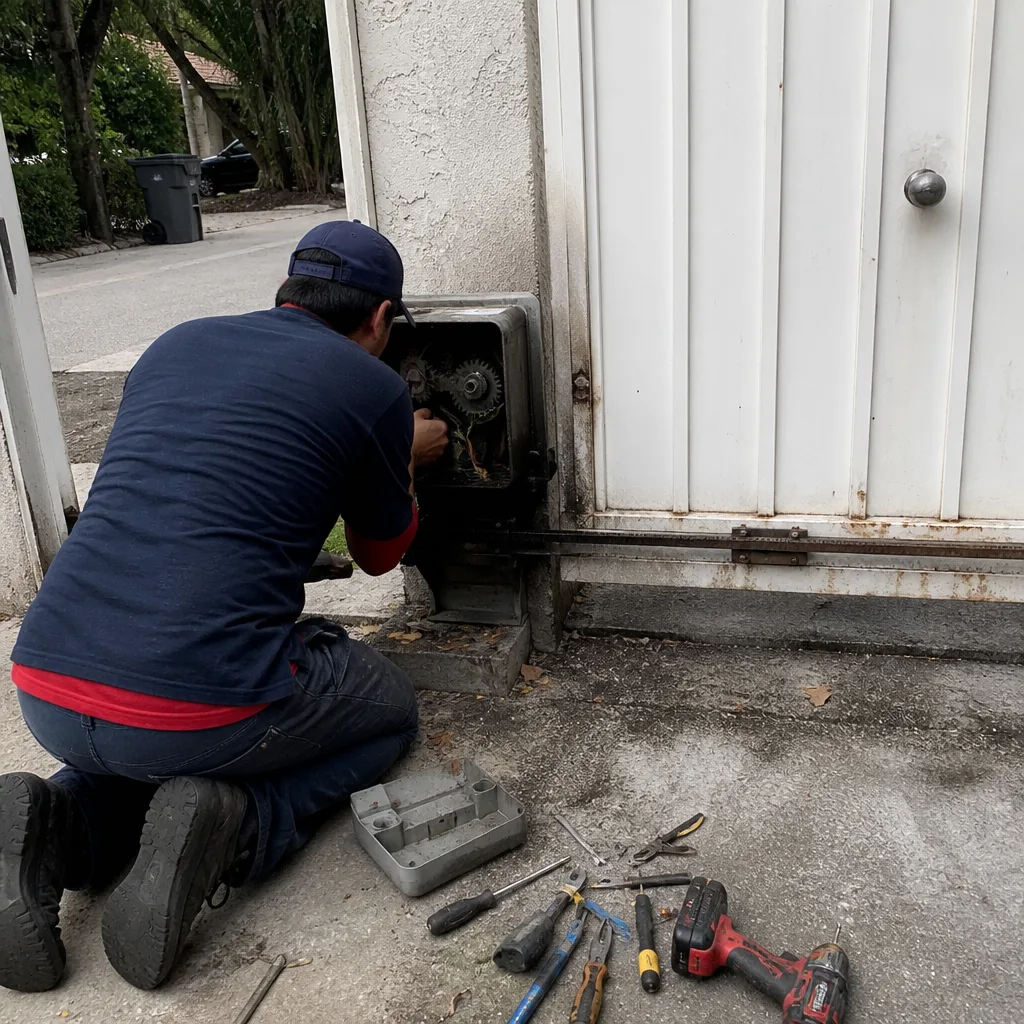 Before
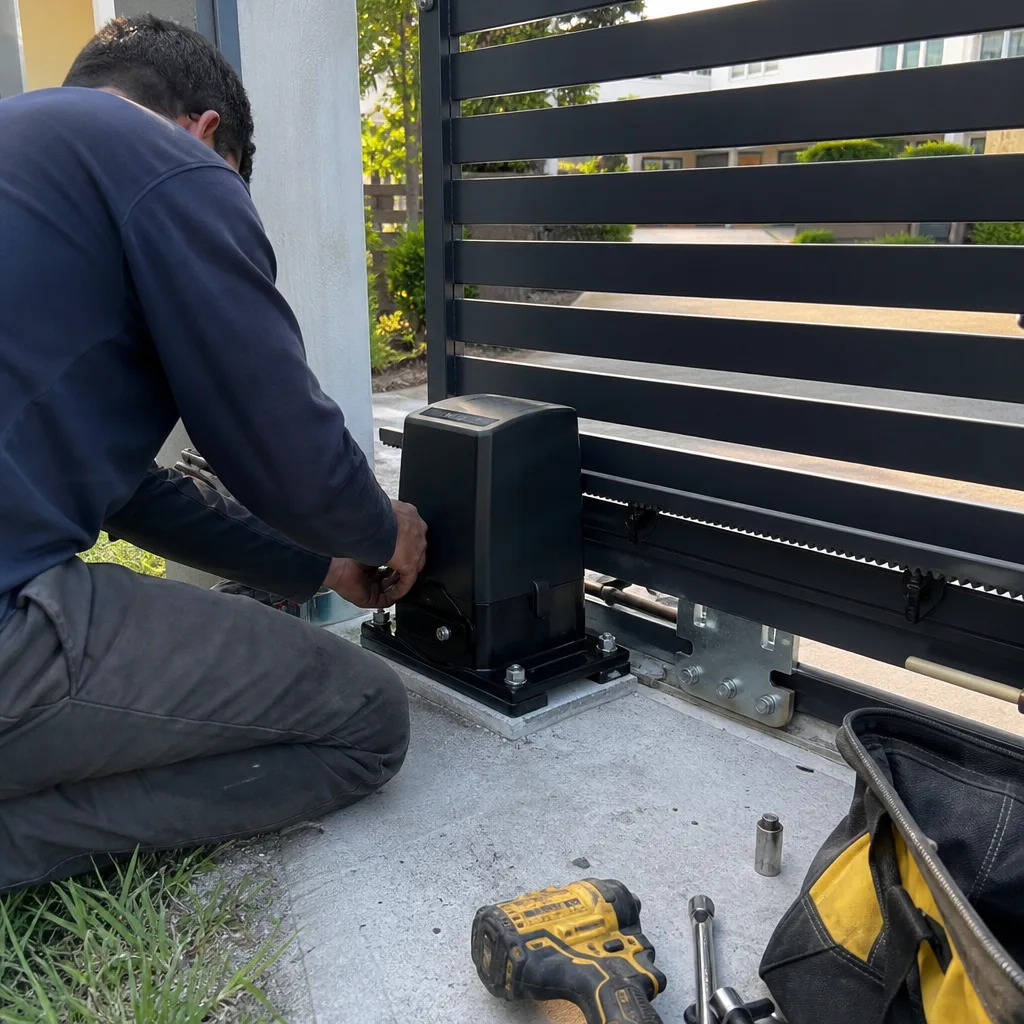 After
AfterWhen to Call a Professional
Call a professional the moment the problem involves live electrical work, a fail that’s inconsistent with the LED code, a gate that’s making a grinding sound, or any scenario where you’ve checked the obvious causes and the gate still doesn’t respond. Mechanical binds, motor replacements, board replacements, and voltage-level diagnostics all belong in the hands of a technician with the right tools and brand-specific training. A gate system has enough stored energy and enough weight behind it to cause serious injury when a spring, a chain, or a traveling panel lets go unexpectedly. If you’ve reached the end of this guide and still haven’t isolated the cause, Hacienda Gate Repair offers free estimates in Hollywood, we’re a dedicated gate repair company, and one call covers the gate and the operator. Call (855) 362-1433.
Frequently Asked Questions
A completely dead electric gate in Hollywood is usually a tripped breaker or ground-fault interrupt at the external outlet, a dead backup battery, or a failed low-voltage transformer inside the control box. Check the breaker and outlet first, then test the gate on battery power by disconnecting the AC input. Call (855) 362-1433 and a technician can walk you through the specific diagnostic steps for your brand.
For more guides & resources on gate repair costs in Hollywood, FL, the price depends on the fault: a sensor realignment or sensitivity adjustment is frequently a minimum-service-call type fix, while a motor or control-board replacement runs considerably higher because parts for the major brands are not cheap. The quickest way to get an exact number is to have a technician pull the diagnostic code and identify the failed component before you agree to any work. Estimates are free, and the price is confirmed before any repair begins.
Hacienda Gate Repair serves the Hollywood area with a rapid response for gate failures that have trapped your vehicle inside your property or left the gate stuck open. Call (855) 362-1433 and we’ll give you a straight answer on availability today and a free estimate.
A gate that reverses during the close cycle is responding to a safety-protection trigger: either a misaligned photo-eye, an obstruction-sensitivity setting that’s too high, or a motor that’s pulling excessive current. If the reverse happens immediately, clean and realign the sensors. If it happens at the same physical point each time, look for a mechanical bind or a stiff hinge. If it’s random, the motor may be failing. We can pinpoint the exact cause with a diagnostic read of the control board.
Yes. Hacienda Gate Repair has certified working knowledge of nine major gate operator brands: LiftMaster, FAAC, BFT, Linear, Viking, Ghost Controls, DoorKing, Elite, and Mighty Mule. We work on your brand, regardless of who installed it, and because we’re a pure-play gate specialist, our diagnostics are brand-specific, not generic. Call (855) 362-1433 to schedule a free estimate.
In Hollywood, FL, the combination of salt air, high humidity, and heavy summer rain makes corroded electrical connections and weathered photo-eyes the most common gate problems we’troubleshoot. Salt film builds on sensor lenses and terminal blocks, causing intermittent failures that frustrate owners. Our technicians clean and seal these connections as part of every repair to reduce recurrence.
The Bottom Line
Most gate failures leave a diagnostic trail. The LED on your control board, the timing of a reversal, and the specific sound a motor makes are all data points that point to a specific root cause, and reading that data before you call or order parts is the difference between a fast, cost-efficient repair and an expensive guessing game. In Hollywood’s salt-air and humid climate, the most common culprits are dead backup batteries, corroded wiring, misaligned photo-eyes, and worn mechanical components, in roughly that order. Read the signals, do the safe homeowner-level checks described above, and when the problem is beyond those, call a dedicated gate specialist at (855) 362-1433 for a free Hollywood estimate. One call covers the gate and the operator.
Written by the team at Hacienda Gate Repair, serving Hollywood since 2012.